


SENDING YOU INCOMING FRESHMEN

 Reversing the 70% College faith drop off - Fueling Freshmen Revival

EveryStudentSent.org

The Fall College Revival Sweet-Spot

Gathering and Preparing incoming Students to reach brand new Freshmen during the most open time of their lives. 

Helping students integrate discipleship and multiplication in academic departments and careers. 

ESS_App_Invitation_no button-1

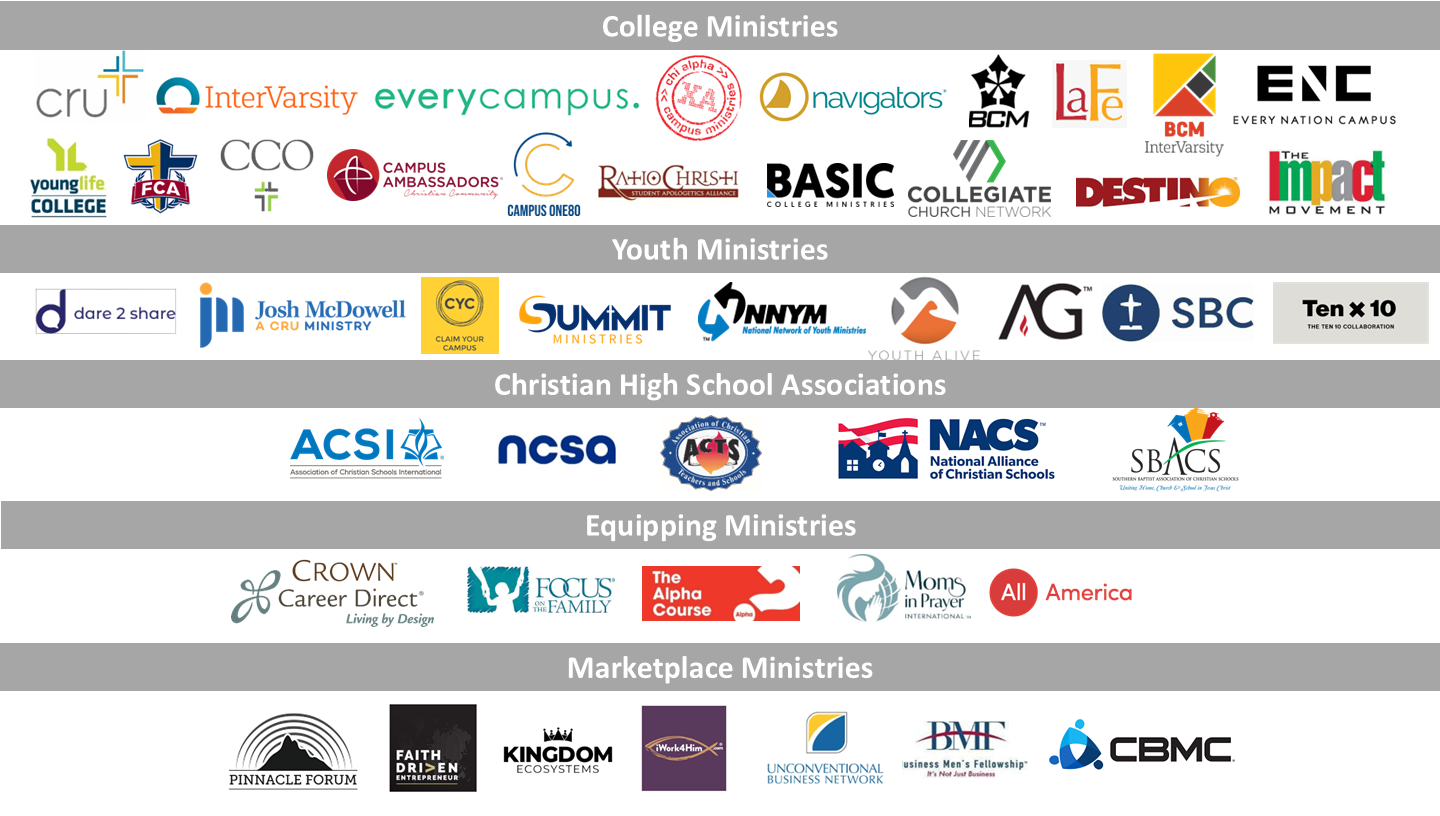
The Coalition so that No Student in America Starts College Alone

logos by type ESS
SCREENSHOTS BUTTON
NATIONAL LEADERS BUTTON

Here are special directions for InterVarsity

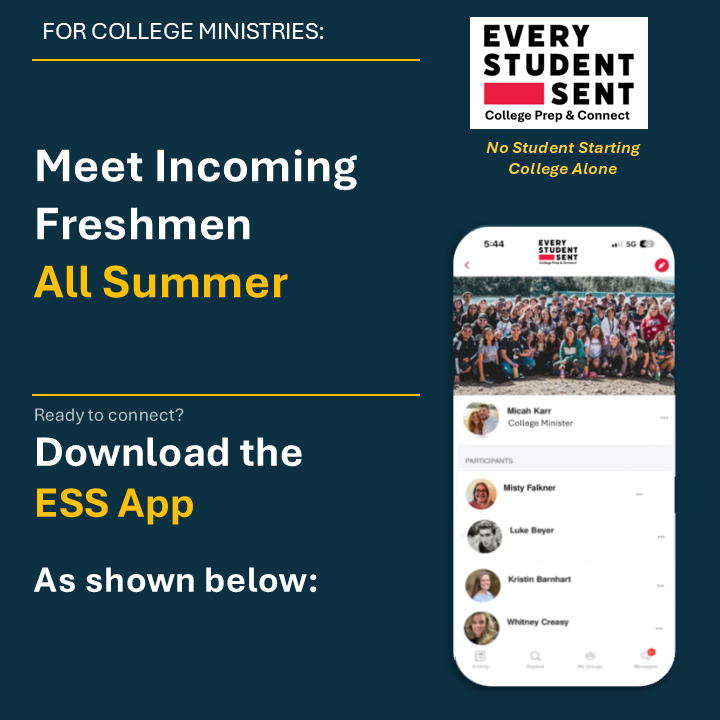
Every Student Sent (ESS) has created it's Mobile App version now which syncs with the Web version EveryStudentSent.org.  We will soon start advertising to high school seniors nationally, but first, we want to make sure it's easy for ministry staff to respond to these incoming students. Then we will start advertising to churches nationally later in July.  You should download it per below today so current incoming students recieve a good response. It will be in the app stores soon when we start the larger advertising.  Feel free to share it with churches you know and with your team.

You will receive simple push notifications when incoming students start reaching out to you. You will also be able to see and message any students who Follow your group.


If Every Student Sent is new to you, see the below section with that title.

Keep notifications on since you will see incoming freshmen reaching out to you.

Download for iPhone

Use this Link or QR Code ESS App QR Code

For Android

Search

Every Student Sent

in the Google Play Store

Next Steps


  • We are giving this to you prior to it being visible in the Apple store, so that you are ready before students start reaching out to you.

  • (1) Download the ESS app via the QR Code or link above.  Use your same ministry email.   Look for an email with the registration code that you need to enter into the app to complete registration.  We recommend you write down this code in case you need to re-enter.

  • (2) Fill out your Profile including a Photo and Profile Type. (Very important)

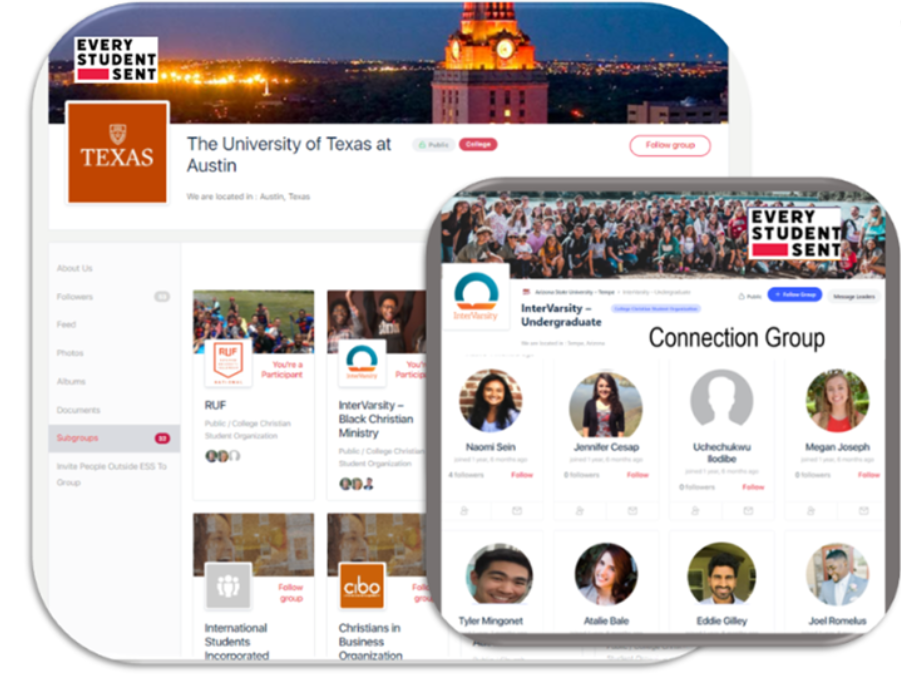
  • (3) Go to the Explore at the Bottom of the App. Go to "Search" at the top, find your university then "Follow" your ministry.  The Filter icon allows you to search just colleges, usually the full university name.
    Direct message the "Organizer" shown at the top, they can promote you to Organizer if needed.  If they are no longer there do not respond, Email Dawn VanHook from InterVarsity for assistance.  She can promote you to Organizer.  Once there you can use the Manage tab on the lower left to add or downgrade any Organizers no longer there. If you have any trouble email John Decker from Every Student Sent. 

If your ministry is not shown, go to Step 4 of Add/Edit Ministries


Note: The App and the EveryStudentSent.org website are the same system, just different ways to access it.   Tasks like editing information on your campus group may be easier via the website on your laptop.

If you have any questions, email us here:

Now incoming freshmen can start with your team as they get to know you all Spring and Summer. 
  • They are prepared with content as disciple multipliers and ready for revival!

  • Your community helps them sidestep the 70% college faith drop off!

  • ESS helps you create missional communities in each Academic dept.

  • Prepares students with career content and networks.

  • Helps students meet mentors in their new city before graduation.  
Every Student Sent represents over 7,500 ministries and churches on nearly every US campus.

Your Ministry may have added you already.

See this College Ministry Page for More

College Ministries and Campus Churches rectangle

Please reach out to us here.  We are glad to help!