DOWNLOAD THE APP
Download the ESS App to your iPhone from this link (or QR code below) and log in with your official campus ministry address. For Android, you can simply find Every Student Sent in the Google Play Store.

-
Allow Notifications - So you see incoming students reaching out to you.
-
Check your Email to activate your account.
-
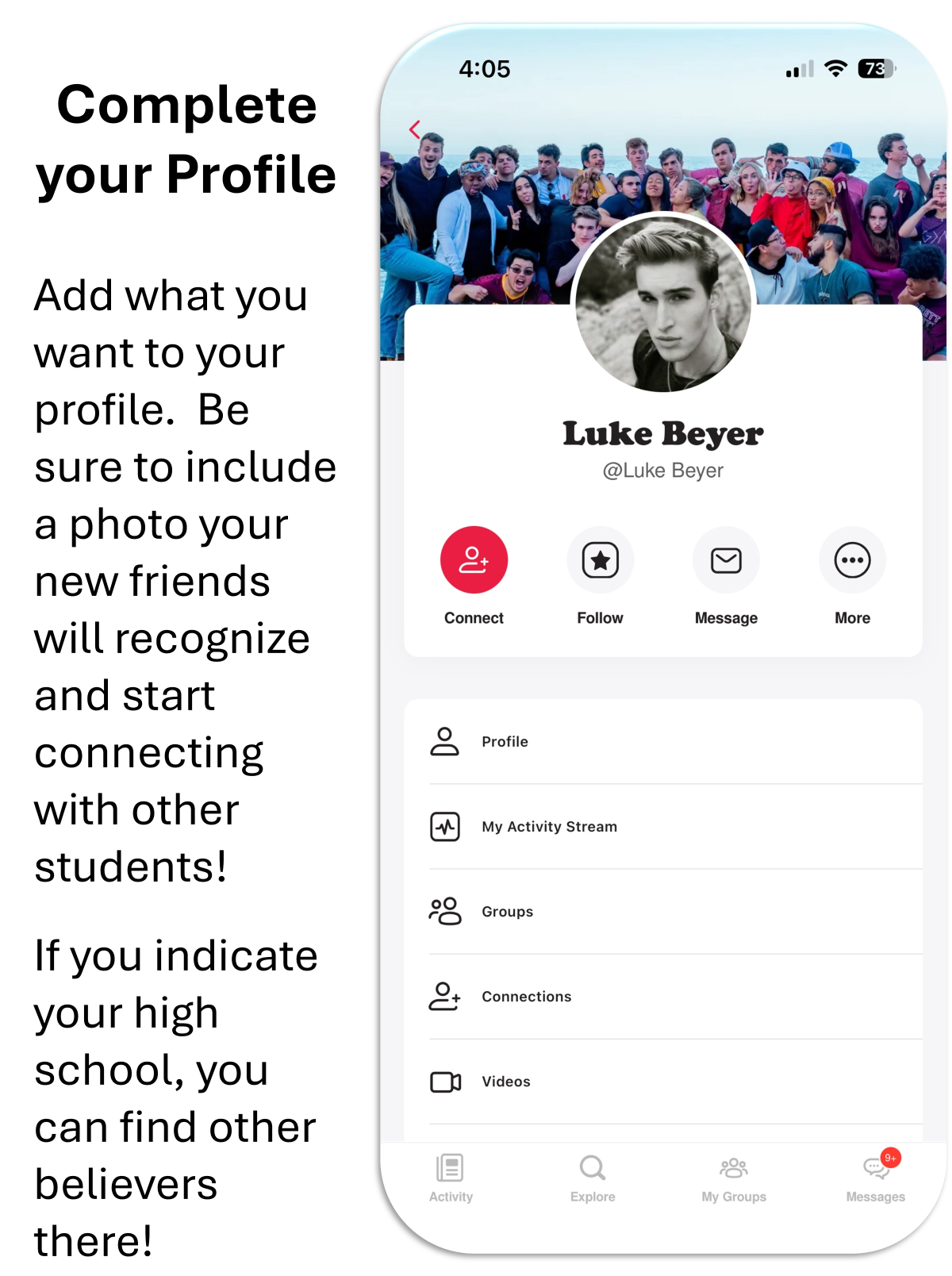
Press the 3-Line hamburger menu on the lower right of the App then on that "More" page press your Profile and hit EDIT to Add your Photo and Profile Type (Important)
-
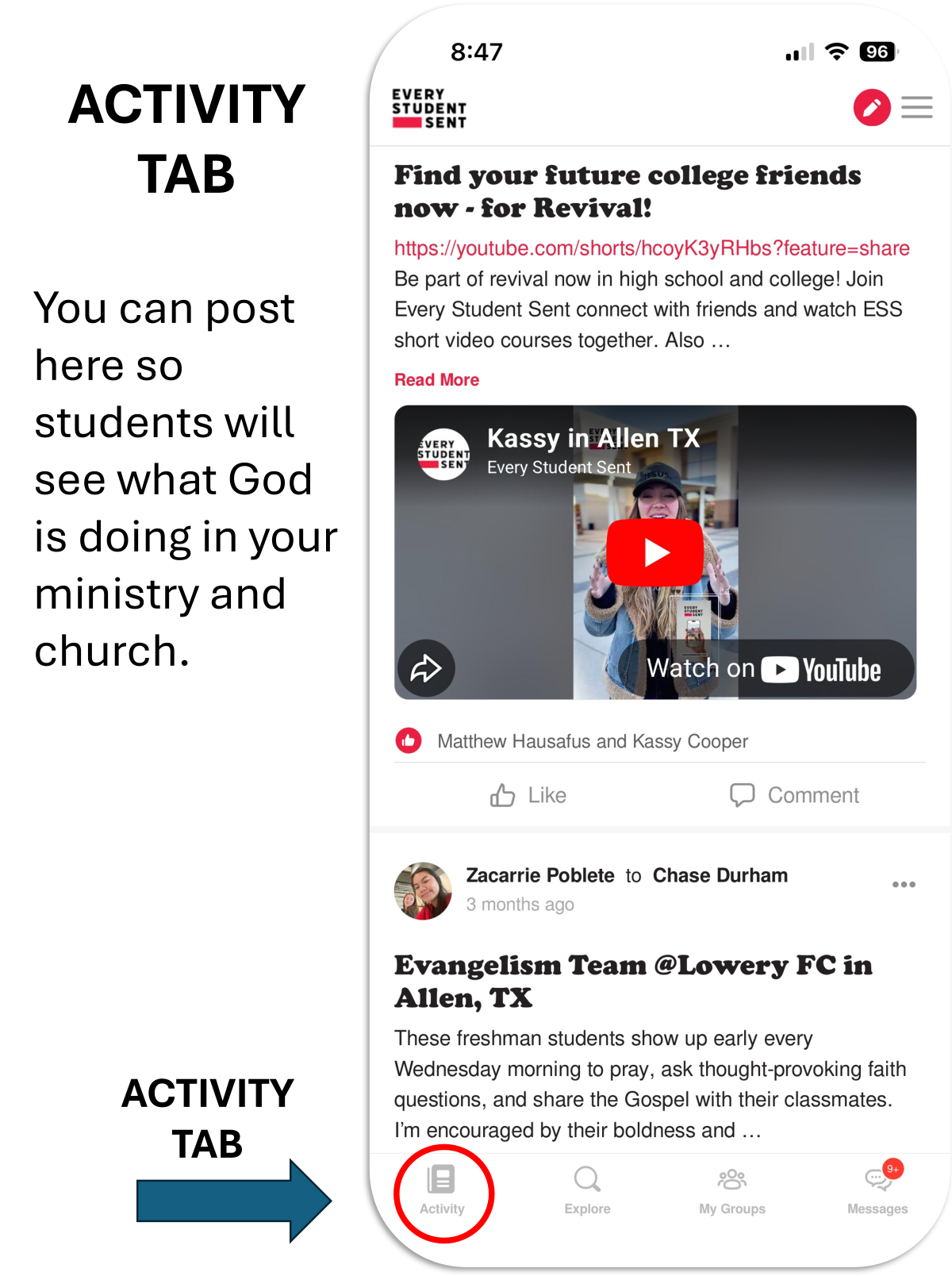
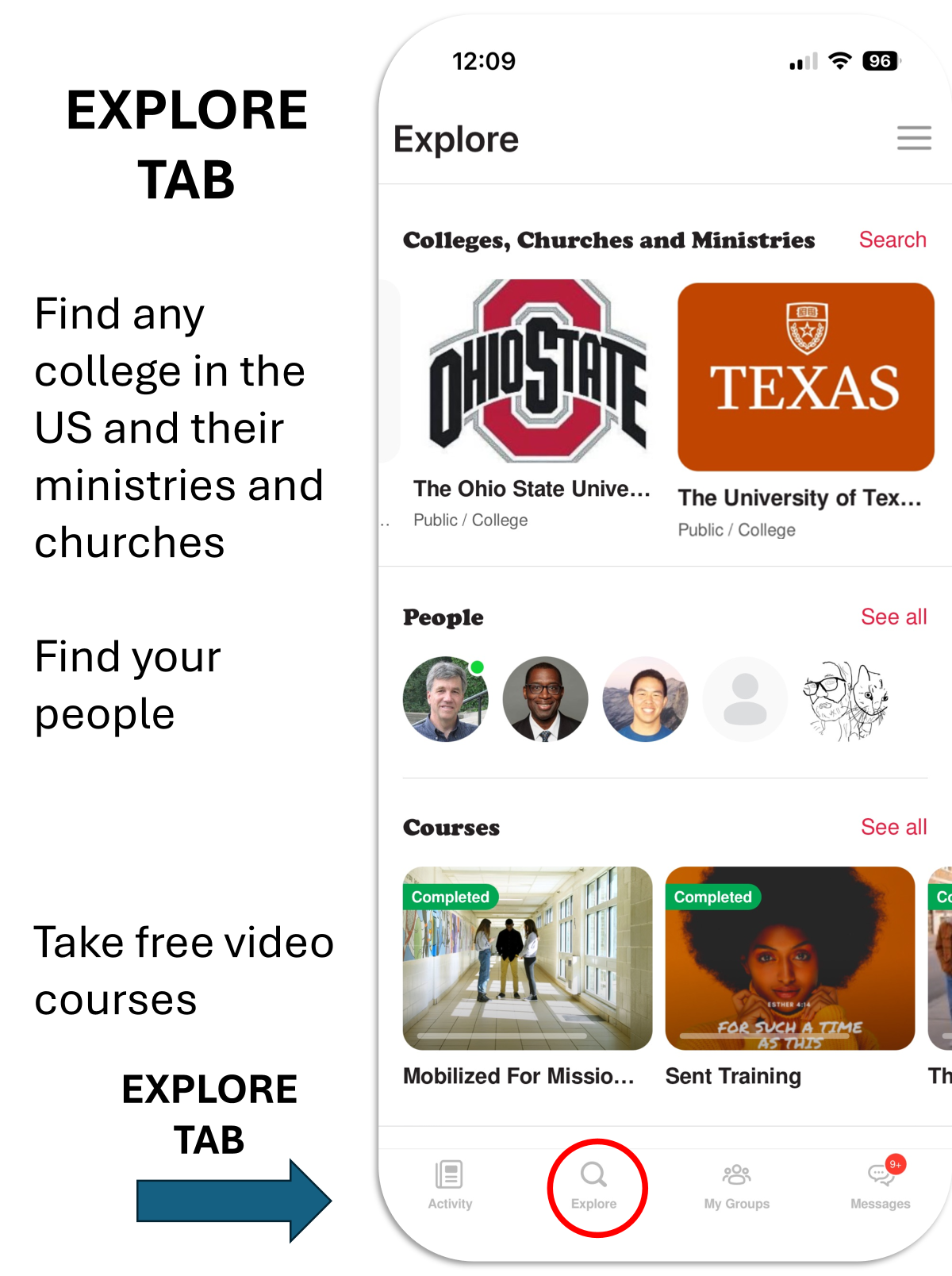
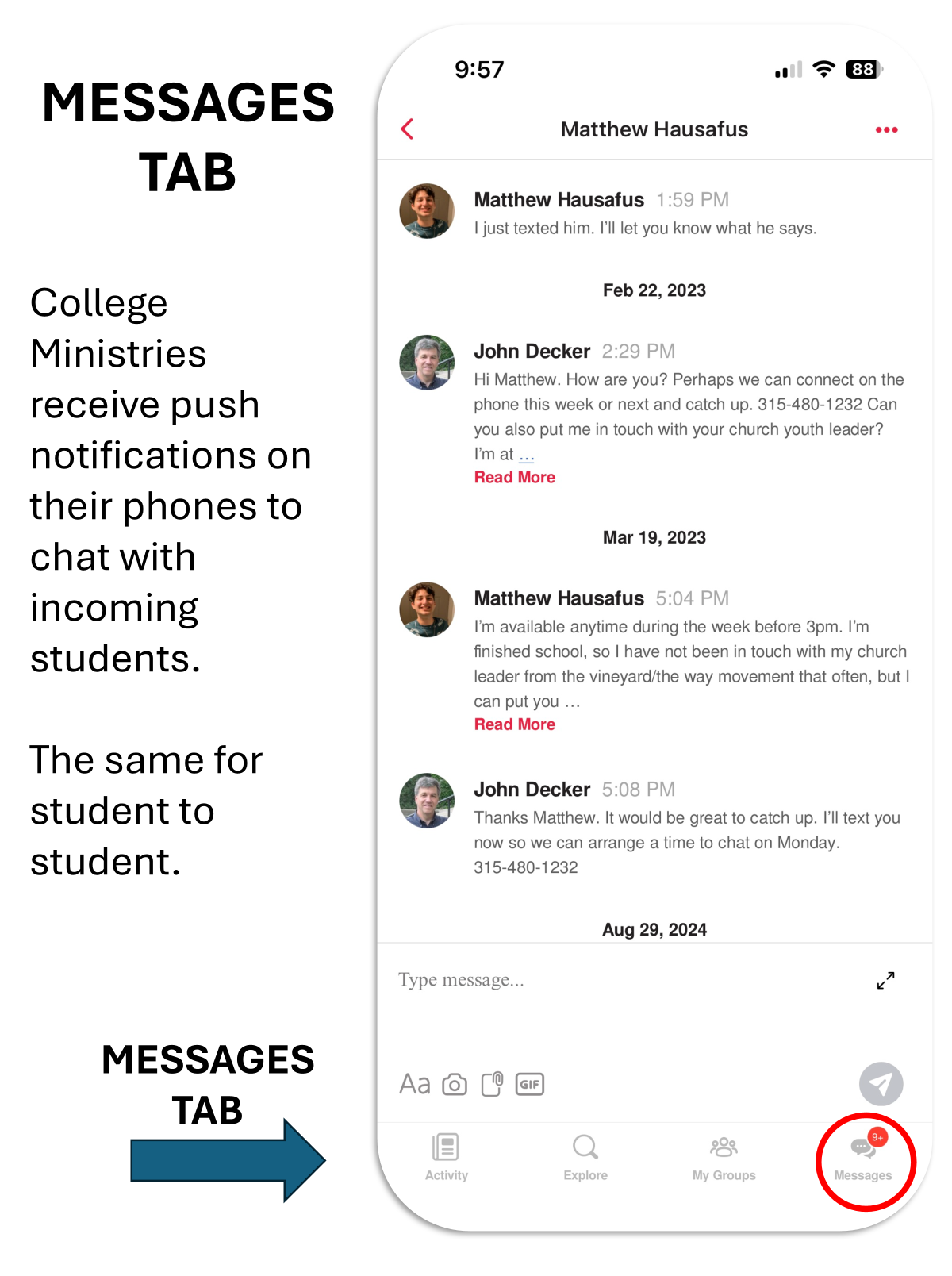
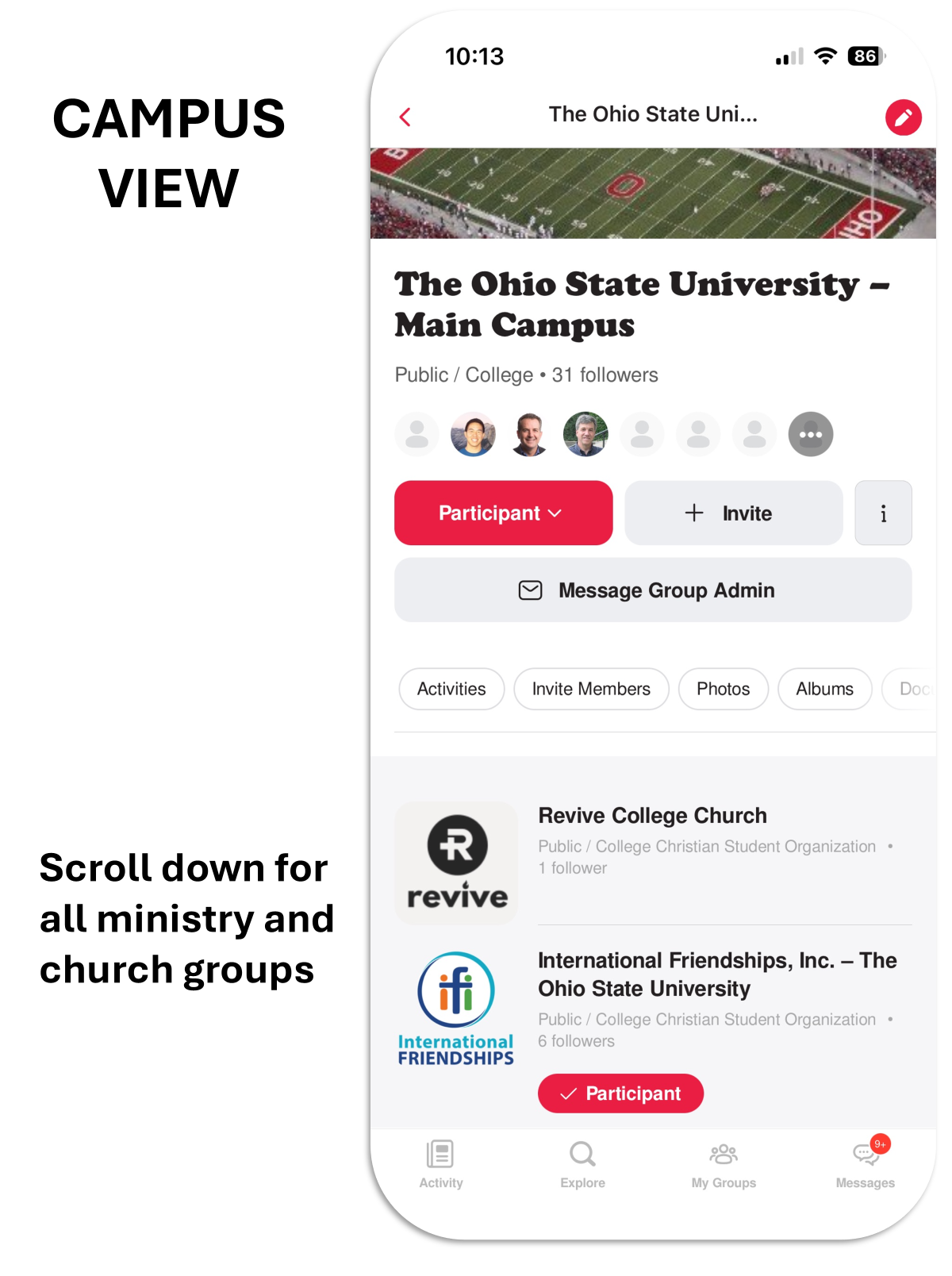
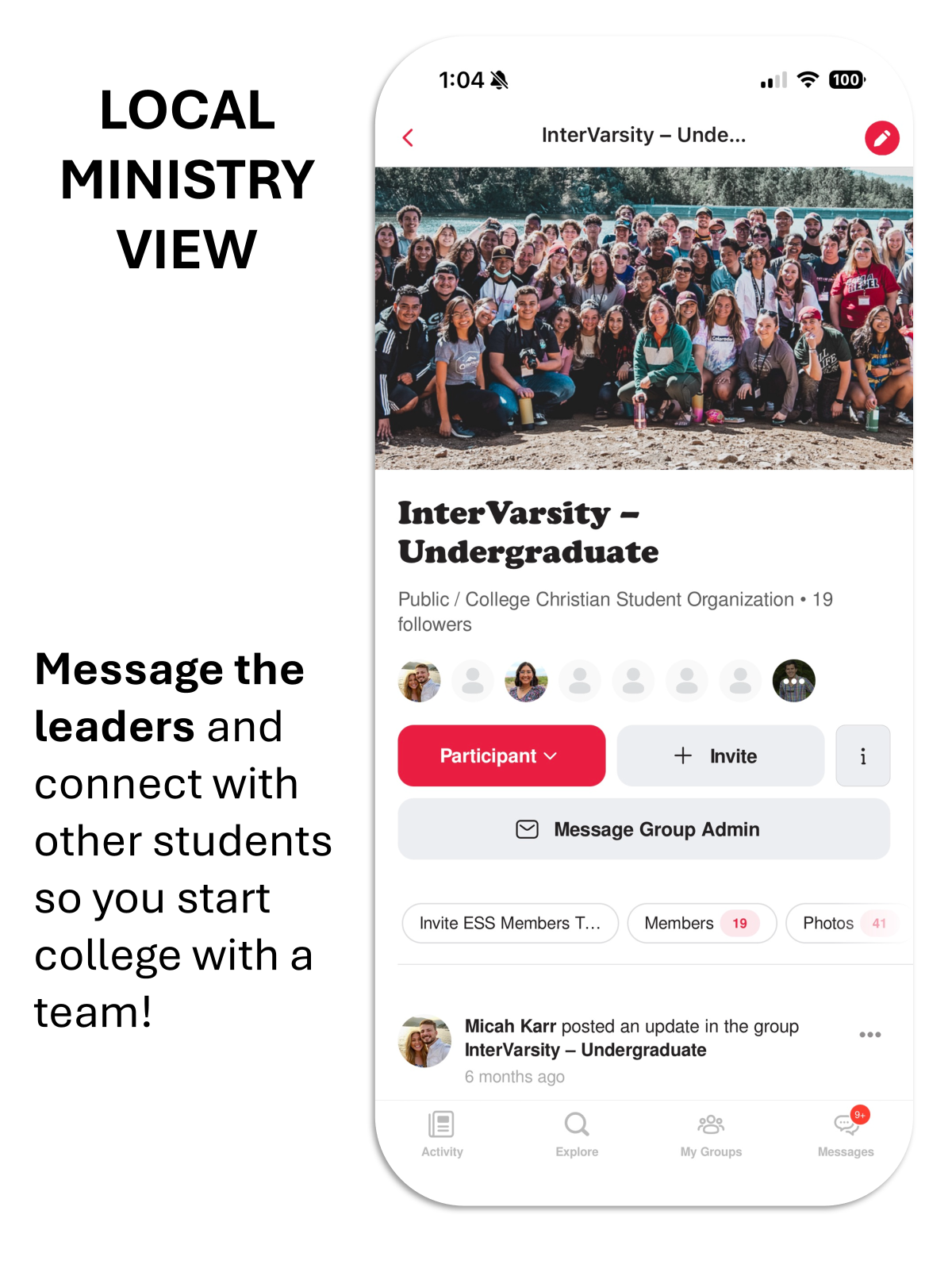
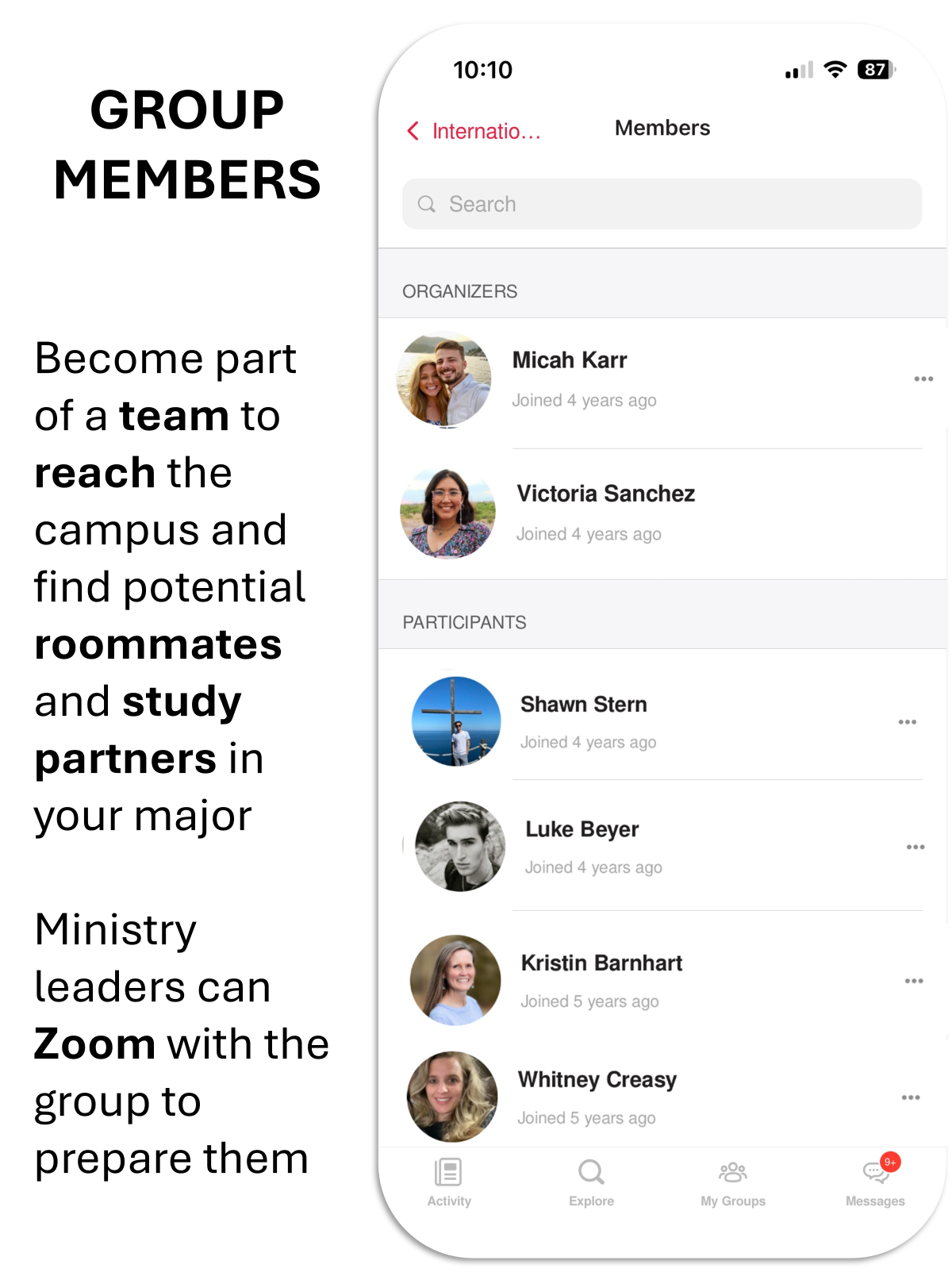
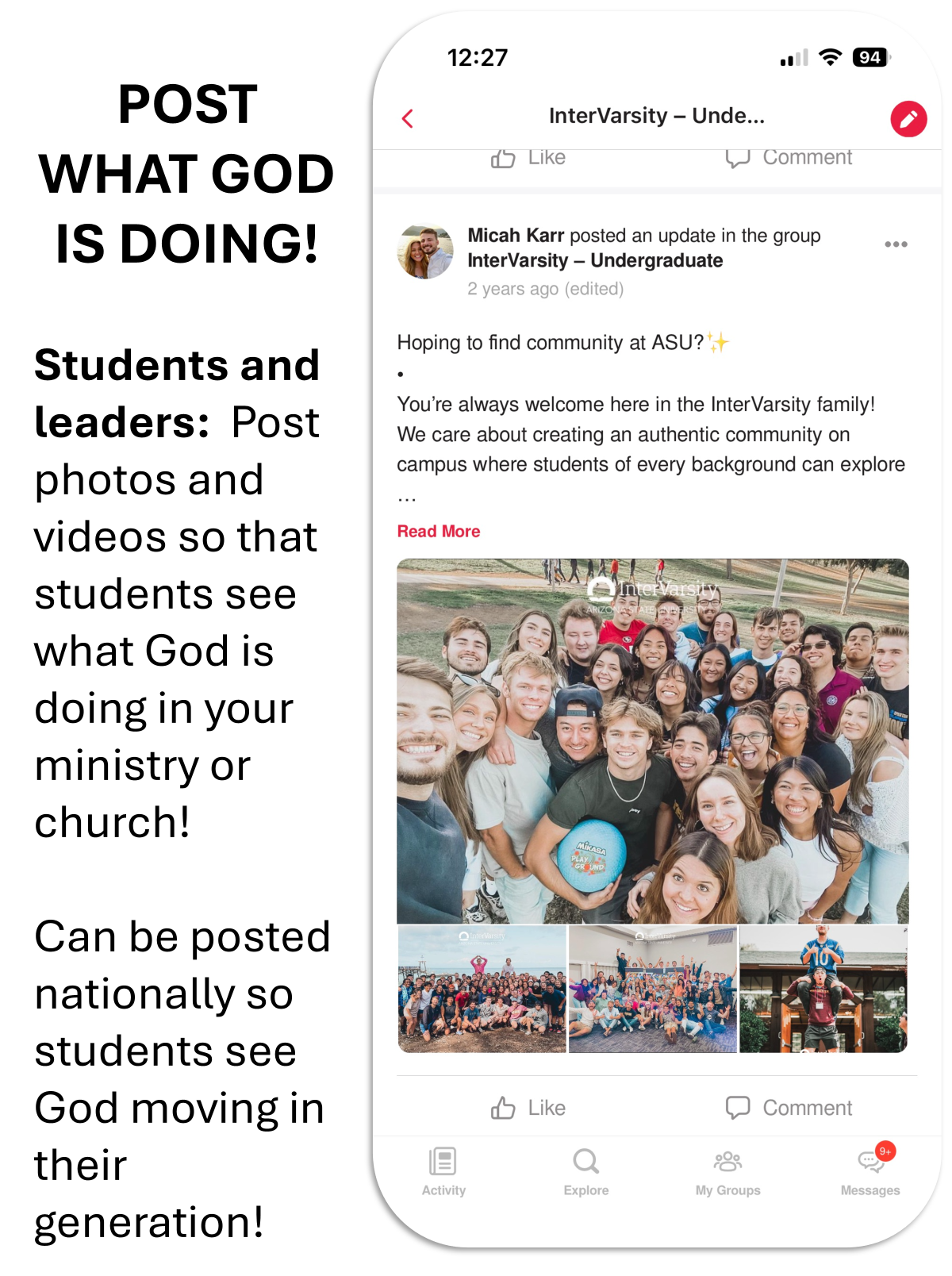
See the Screenshots below. Search for The Ohio State, Columbus State, and Capital, follow ministries and message leaders. Then other universities.
-
Also Follow:
-
Columbus Area ESS
-
Unified Youth
-
Master Teague
-
College Start - 2026
-
Note the app is Beta and we would love your input. National ministries contact info are being updated now and complete June 30 if ministries don't respond now, try later. Email us what you like and what should be improved.
If we can help in any way, please email John Decker or Rye DOrazio
THANK YOU!
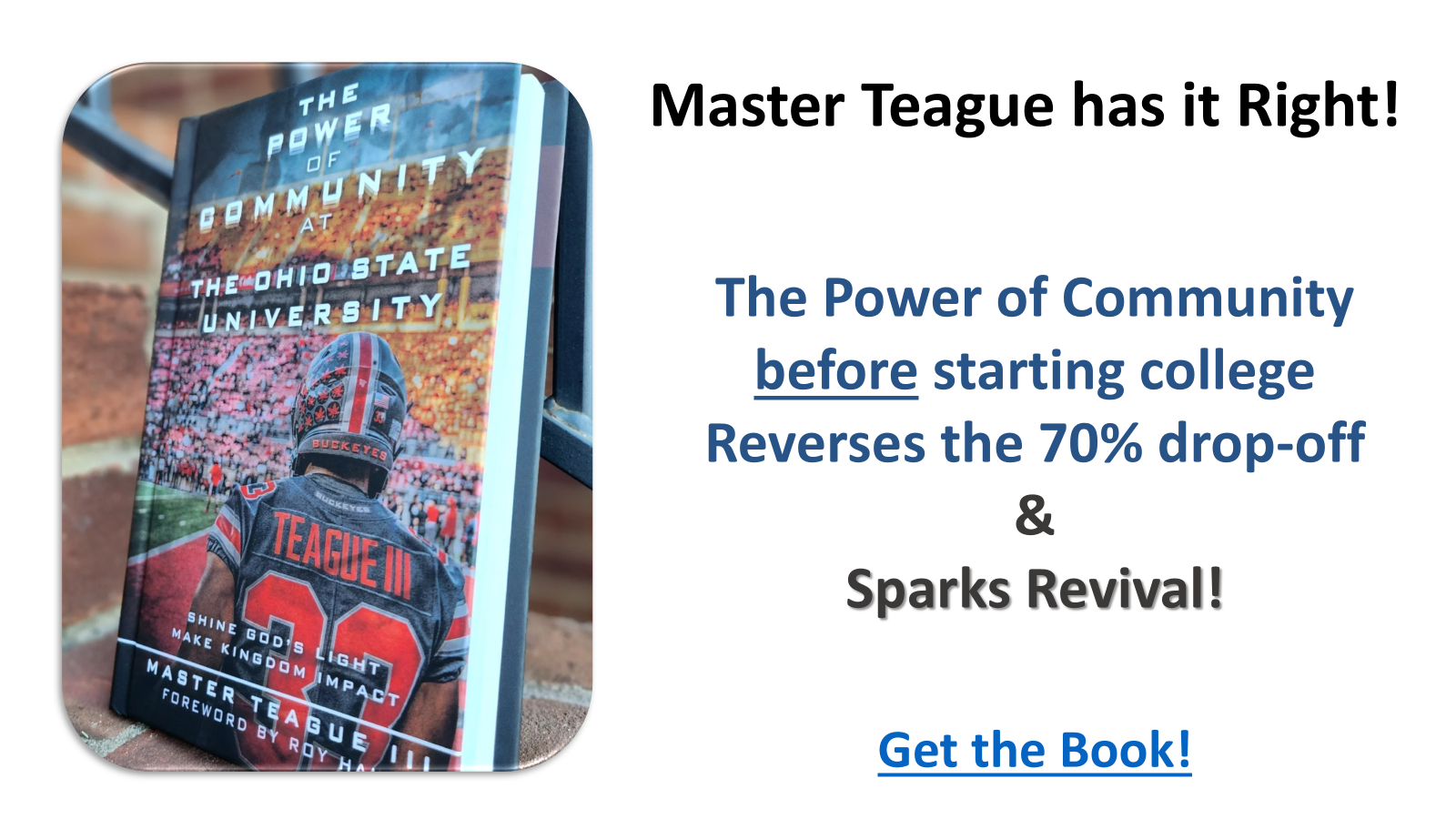
Follow the ESS Group Master Teague for Inspiration
Just Search "Master Teague Group" in ESS